Do you actually need a CRM? And if so, which one?
If you've ever nodded along while quietly wondering what a CRM actually is, or whether you really need one, you're in good company. Let me explain it properly.
I've had a lot of conversations recently with people in my life, friends, family, fellow business owners, where I've explained what I do for a living. And almost without fail, the moment I mention CRM, I get the same look. The polite nod. The slight pause. The "yes, totally" that very clearly means "I have absolutely no idea what that is."
Those conversations are what inspired this blog.
If you've ever nodded along while quietly wondering what a CRM actually is, or whether you really need one, you're in good company. Let me explain it properly.
CRM stands for Customer Relationship Management. But that rather corporate phrase doesn't do a great job of explaining what a good CRM actually does for a small business. So let me try instead.
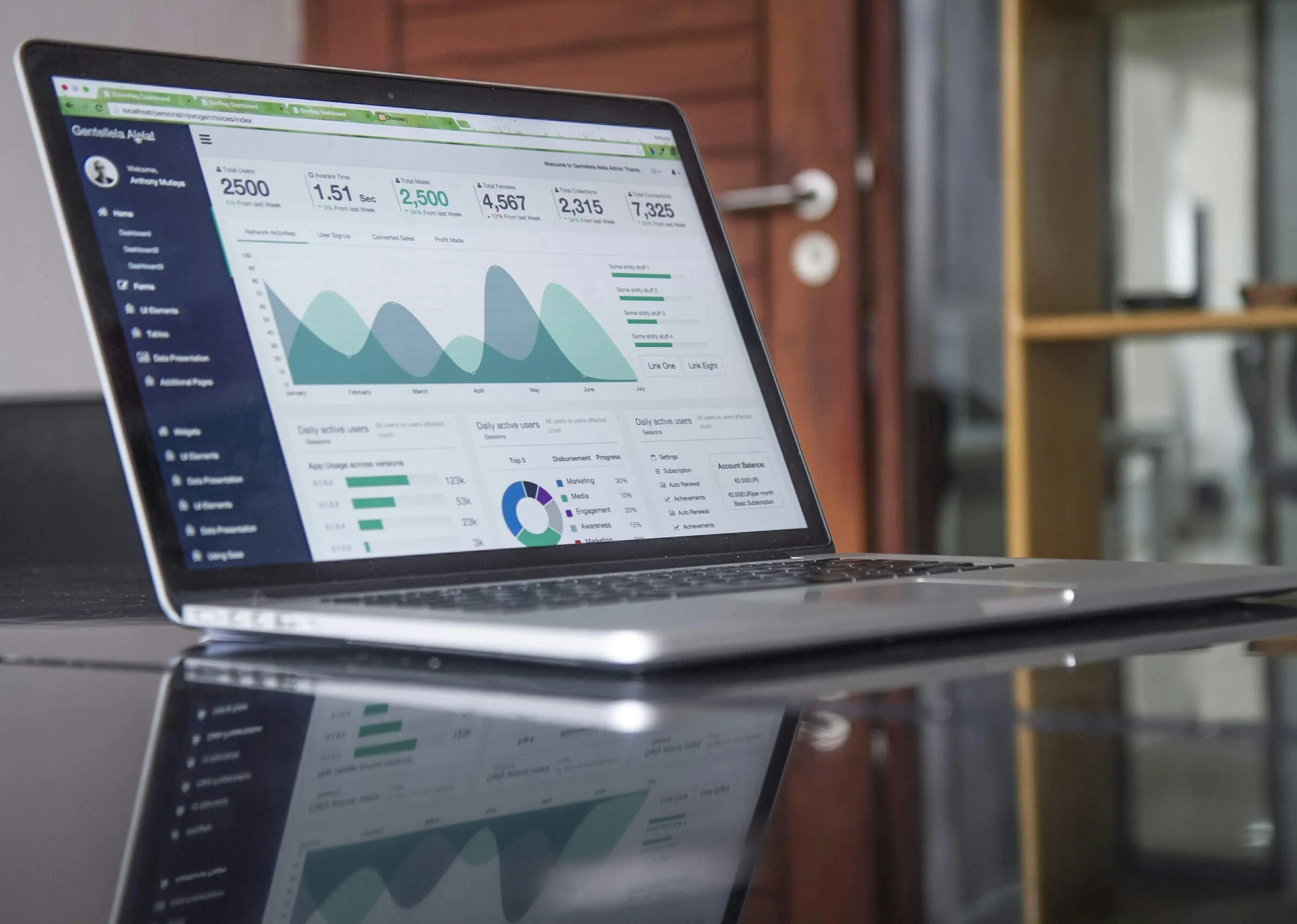
A CRM is the system that looks after your client relationships so you don't have to hold everything in your head. It remembers who you spoke to, when, and what was said. It sends the right email at the right time without you having to remember to do it. It welcomes new clients, nurtures existing ones, and keeps your business feeling organised and professional even when you're busy doing the actual work.
When it's set up well, it's one of the most valuable things in your business. When it's set up badly, or not at all, it's a source of constant low-level anxiety.
When a spreadsheet is actually fine
Let me be honest with you before we go any further: not every business needs a CRM right now.
If you have a very small number of clients, you work on long projects with infrequent touchpoints, you don't send newsletters or regular communications, and your client relationships are mostly managed through direct email and calls, a well-organised spreadsheet might genuinely be enough for now.
A simple spreadsheet that you actually use is infinitely better than a CRM that nobody maintains. If you're at the very early stages of building your business and the idea of a CRM feels overwhelming on top of everything else, give yourself permission to start simple.
But the moment you find yourself losing track of where clients are in your process, forgetting to follow up, sending the same information manually every time someone new comes on board, or feeling like your client communications are inconsistent and patchy, it's time to think seriously about a CRM.
What a CRM can actually do for your small business
This is where it gets interesting. A good CRM isn't just a glorified address book. Used well, it can manage your entire client lifecycle from the moment someone first hears about you to long after they've become a loyal client.
Here's what that can look like in practice:
Onboarding
When a new client signs up, your CRM can automatically send a welcome email, followed by a sequence of messages that introduce them to how you work, what to expect, and where to go if they have questions. All of that happens without you lifting a finger, and every new client gets the same warm, professional experience regardless of how busy you are.
Newsletters and regular communications
Staying in touch with your clients and contacts doesn't have to mean sitting down every month to manually email everyone. A CRM handles your newsletter list, segments it so the right people get the right messages, and tracks who's opening and engaging with what.
Touch points throughout the client journey
Good client relationships are built on consistent, well-timed communication. A CRM can map out the key moments in your client journey and make sure something happens at each one, a check-in after the first month, a review at six months, a renewal conversation at the right time.
Following up with prospects
How many potential clients have slipped through the net because the follow-up got lost in a busy week? A CRM tracks where every prospect is in your pipeline and prompts you when it's time to reach out, so nothing falls through the cracks.
HubSpot vs ActiveCampaign: what's the difference?
These are the two I know best and the two I'd recommend most readily for small businesses, so let me give you an honest comparison.
HubSpot is the one everyone has heard of, and for good reason. It's powerful, well-designed, and has a genuinely useful free plan that many small businesses can start with. It's particularly strong for businesses that want to combine their CRM with sales pipeline management, and the interface is intuitive enough that most people can find their way around it without too much help. The free version has limitations, and the paid plans can get expensive quickly if you need the more advanced features, but as a starting point it's hard to beat.
ActiveCampaign is my personal favourite for small businesses that want to focus on email marketing and client journey automation. It's excellent at building sophisticated automated sequences, the kind that feel personal and well-timed rather than generic and spammy. It's slightly less intuitive than HubSpot to set up, but once it's running it's incredibly powerful. The pricing is also more accessible for small businesses that need the automation features without a corporate budget.
Both are excellent. The right choice depends on what you primarily need it for. If you want a sales pipeline and a CRM first, with marketing as a secondary feature, go with HubSpot. If you want sophisticated client journey automation and email marketing as your priority, ActiveCampaign is the one.
Plan before you build (and use a Miro board)
This is the bit most people skip, and it's the bit that makes the biggest difference.
Before you touch the CRM itself, map out your client journey. Who are your clients? How do they find you? What happens when they first get in touch? What does onboarding look like? What are the key moments in your working relationship? When does the relationship typically end, and how do you handle that well?
I always do this in Miro, which is a free online whiteboard tool. You can map out the whole journey visually, every touchpoint, every email, every step in the process, before you build a single thing in the CRM. It forces you to think it through properly, and it gives you a reference document you can come back to when you want to make changes later.
I recently went back to a CRM I had built for a client over a year ago to make some updates. The Miro board I had created at the start was invaluable. Every automation was mapped out, every email linked, every decision point documented. Without it, unpicking what was already built and knowing where to make changes would have taken significantly longer. It's the kind of thing that feels like extra effort at the start and saves hours later.
Keep it simple when you map it out. Less is more. A straightforward journey that gets executed consistently is worth far more than an elaborate one that's too complicated to maintain.
What you'll need to bring to the table
A CRM is a tool, not a magic solution. Getting it set up well requires input from you, and it's worth knowing what that looks like before you start.
Your client journey
Someone needs to think through the process from the client's perspective. What do they need to know at each stage? What questions do they usually ask? What would make them feel looked after? You know your clients better than anyone, so this thinking has to come from you.
Your voice and your brand
The emails that go out from your CRM need to sound like you. Not like a generic template. That means sitting down and writing, or at least heavily editing, the key emails in your sequence so they reflect how you actually communicate. If you have a brand guide covering your tone of voice, colours and fonts, have that ready. It matters more than people realise for making everything feel consistent and professional. If you don't have one yet, that's worth thinking about too.
Your time, upfront
Setting up a CRM properly takes time. Not forever, but a meaningful chunk of focused effort at the start. The payoff is that once it's done, it runs largely by itself. But the initial investment is real, and it's worth going in with realistic expectations.
Do you need help setting it up?
Setting up a CRM is exactly the kind of work I do with small businesses and purpose-led organisations. I'll map out your client journey with you, build the automations, write the email sequences in your voice, and make sure the whole thing is documented so you can maintain and develop it as your business grows.
If you'd like to talk through whether a CRM is the right next step for your business, get in touch here. And if you're still working out whether fractional operations support is right for you more broadly, this post is a good place to start.
Victoria Lincoln is a fractional operations partner helping small businesses, start-ups and purpose-led organisations get their systems, processes and day-to-day running properly sorted. Hands-on delivery, without the overhead of a full-time hire. Working remotely from Devon across the UK and Ireland. Find out more at The Efficiency Partner.
